
Running a dedicated Rust server is the easiest way to get stable multiplayer, full admin control, and a world that stays online for your community. Instead of relying on a host player's PC, a managed server gives you consistent performance, cleaner uptime, and easier scaling as your player count grows.
This guide compares the best Rust server hosting options for performance, panel quality, mod support, and long-term reliability. We use the same evaluation framework across every provider so you can make a faster decision without guessing.
Best Rust Server Hosting Providers
These providers were selected for Rust based on practical admin needs: launch speed, control panel workflow, crash recovery, backup quality, and upgrade flexibility. Game Host Bros, GameserverKings, and GMC Hosting are strong starting points, but the right choice depends on your region, mod stack, and community size.
Game Host Bros
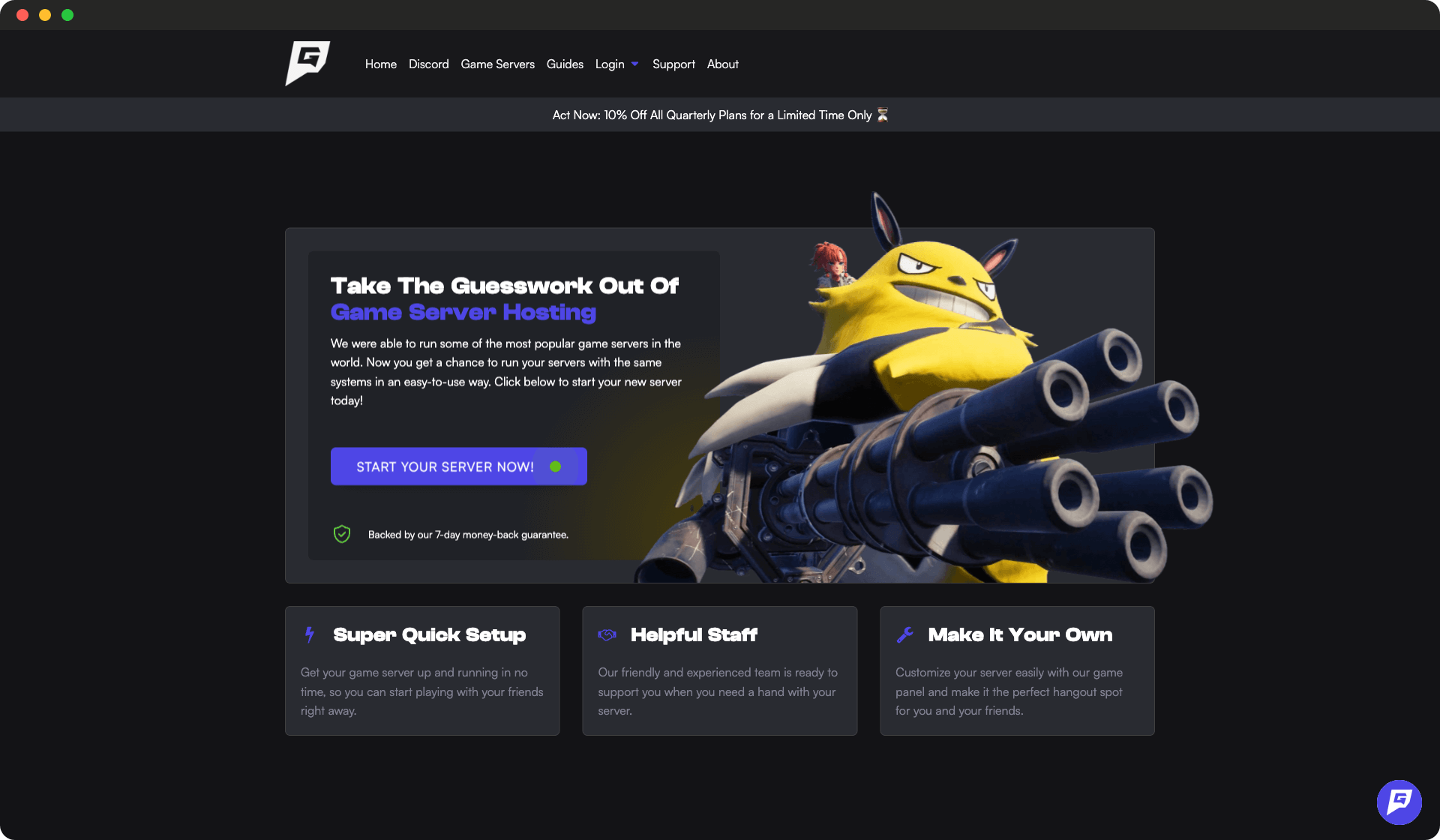
Game Host Bros provides budget-friendly game server hosting for popular games.
- Powerful Hardware
- Unlimited Players
- Easy setup
- Good for beginners
- Limited locations
GameserverKings
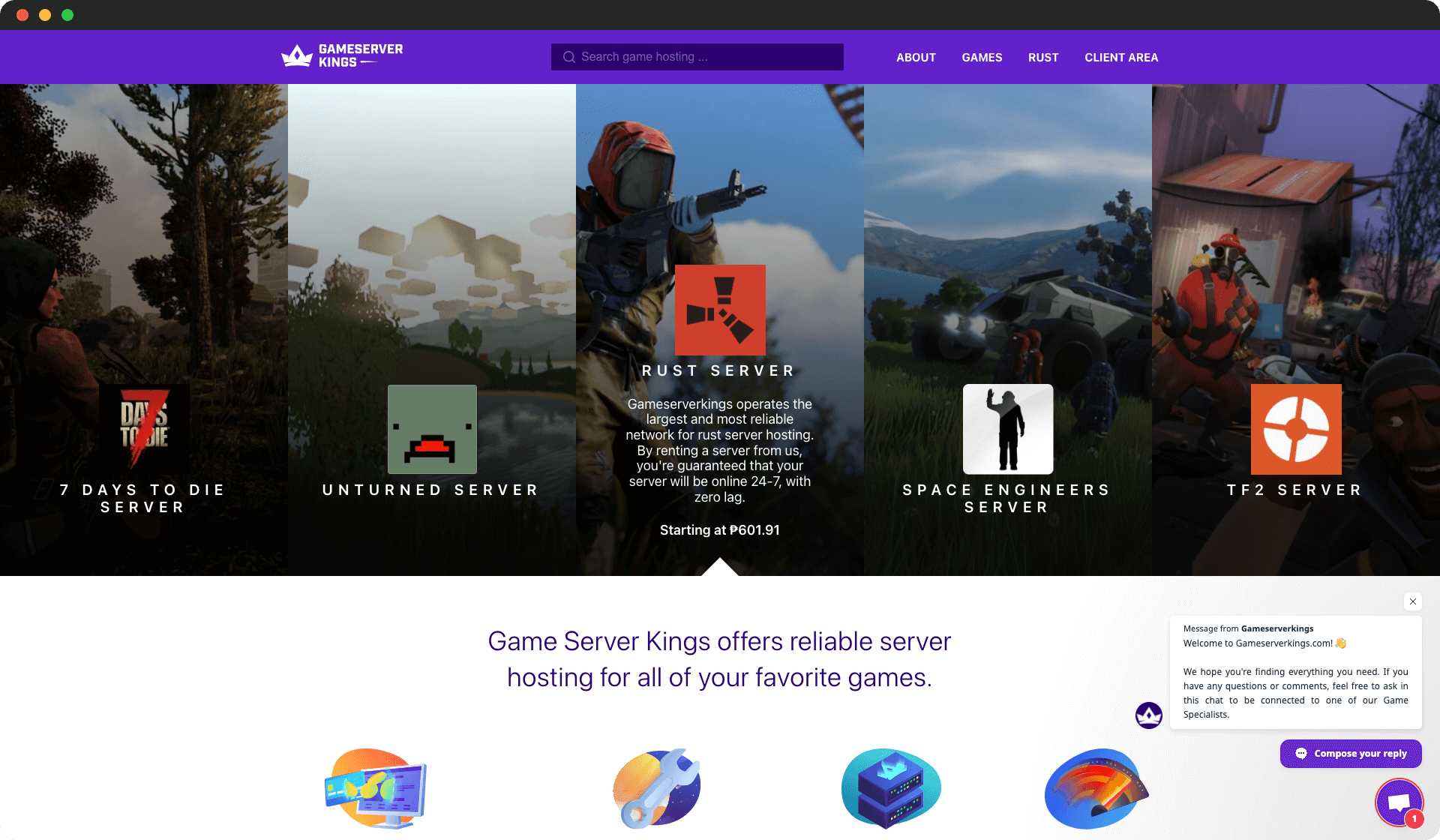
GameserverKings provides powerful gaming DDoS protection (CosmicGuard) with great prices and thousands of happy customers.
- 24/7 support offered
- Extremely powerful DDoS mitigation
- Good pricing
- Great uptime
- Excellent support team
- Recent reviews are mixed
- Limited server locations
GMC Hosting
GMC Hosting provides reliable and high-performance Rust server hosting with a dedicated support team. They offer powerful servers with SSD storage and a wide range of server locations.
- High-performance servers with powerful hardware and SSD storage
- User-friendly control panel for easy server management
- Wide range of server locations to choose from
- 24/7 dedicated customer support
- DDoS protection for server security
- Pricing may be slightly higher compared to some competitors
- Limited mod support compared to other providers
- Control panel interface could be more modern

PingPerfect
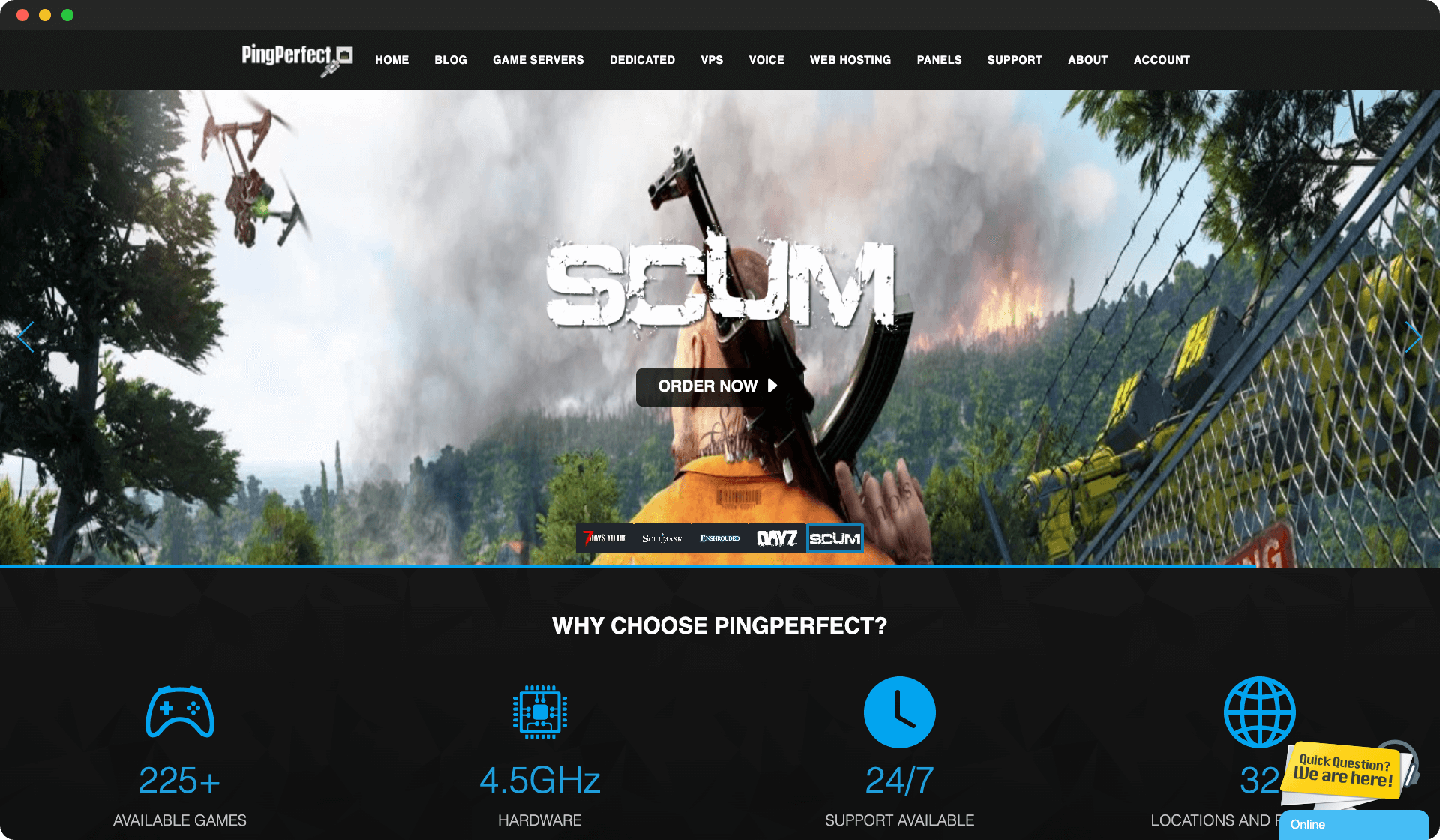
PingPerfect provides game server hosting with a wide variety of supported games.
- Wide game selection
- Decent pricing
- Good control panel
- Mixed support reviews
- Performance varies by location
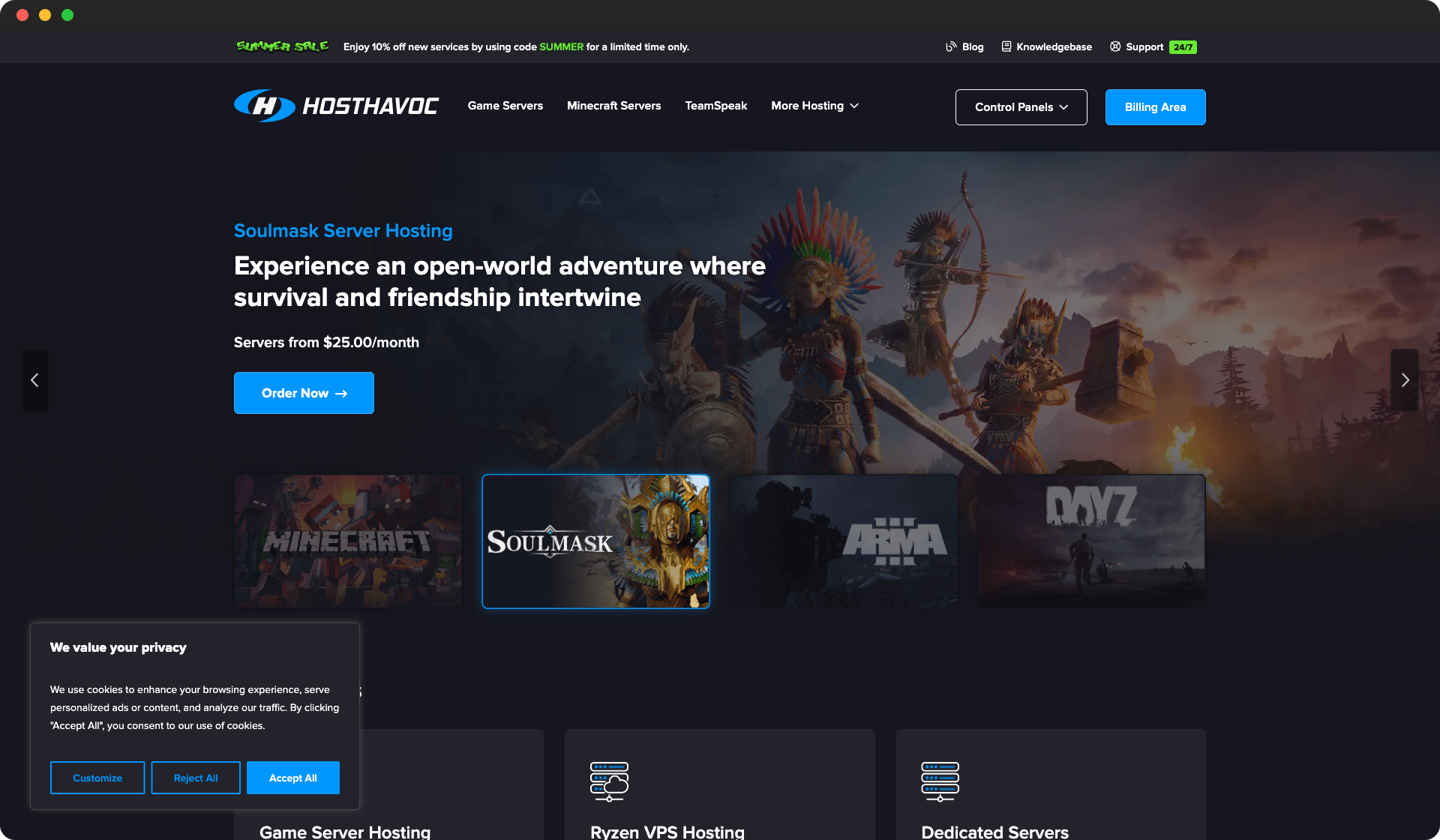
Host Havoc
Host Havoc provides premium game hosting with excellent hardware and customer support.
- Premium hardware
- Excellent support
- Low latency
- Higher pricing
- Limited budget options
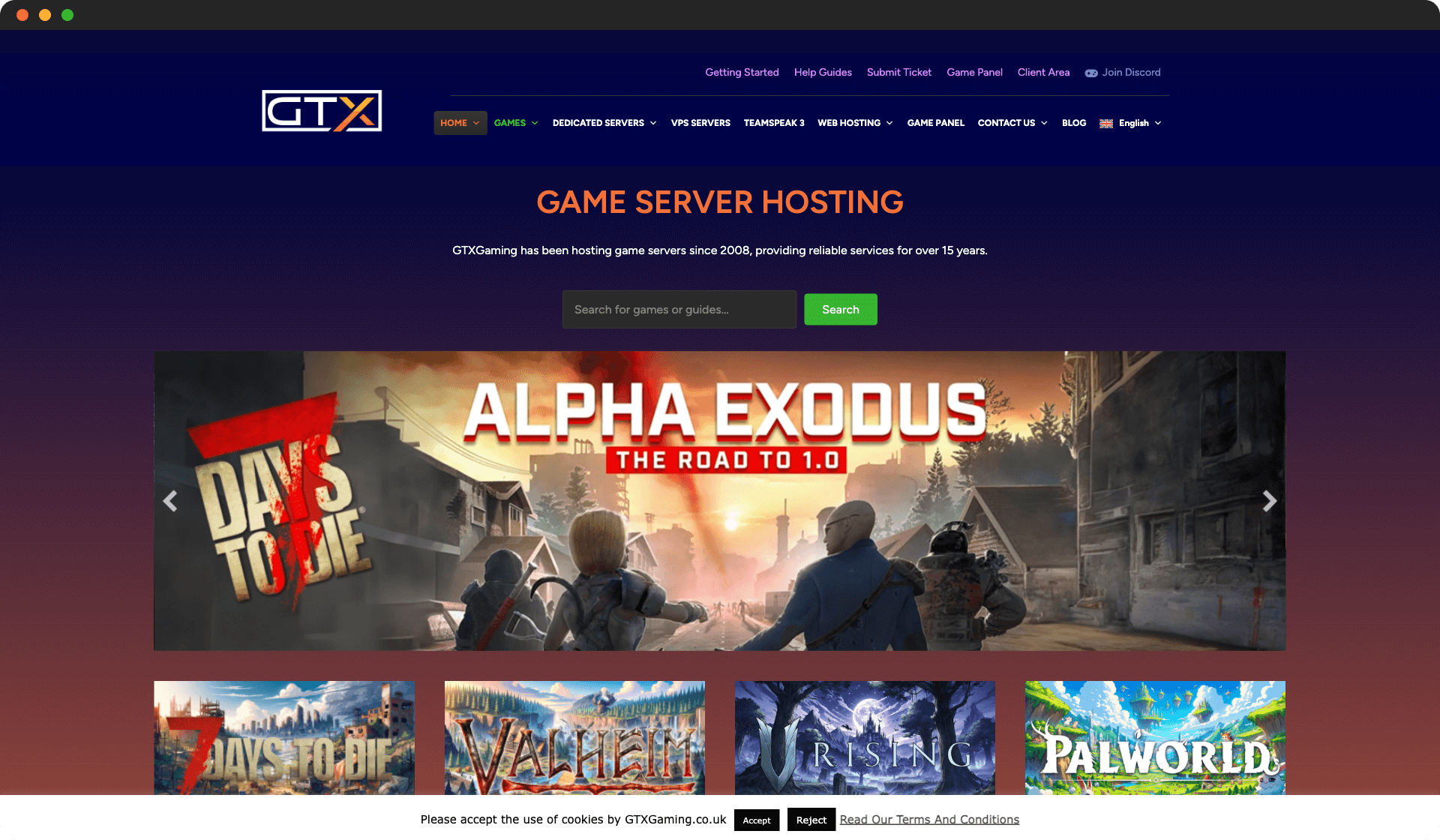
GTX Gaming
GTX Gaming offers game server hosting with strong UK and EU presence.
- Strong EU presence
- Good performance
- Established provider
- Limited US locations
- Interface could be modernized
EU Game Host
EU Game Host specializes in game server hosting with a focus on European locations and gaming-optimized hardware.
- Gaming-optimized
- Good EU coverage
- Specialized support
- Limited global locations
- Higher pricing

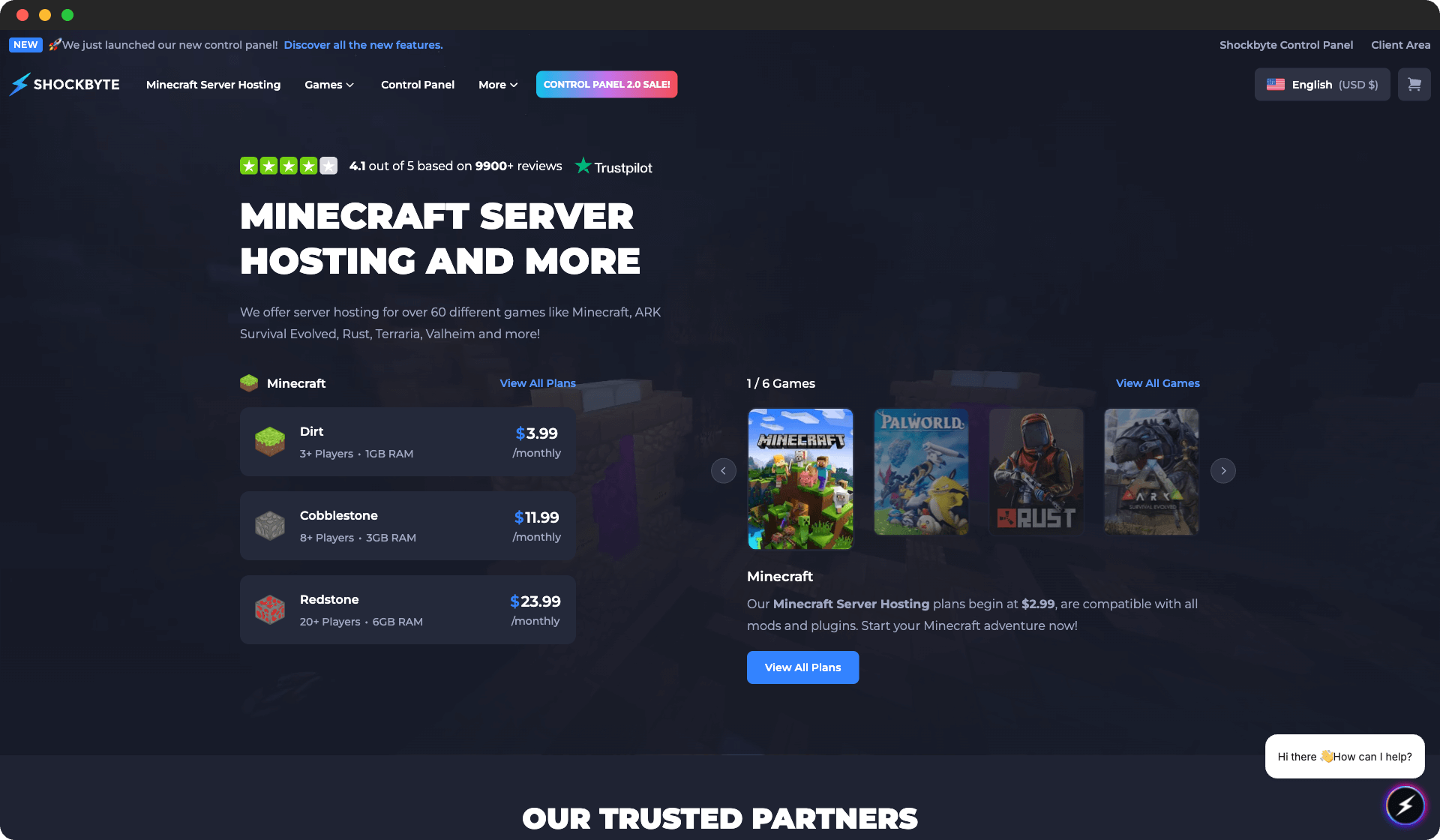
Shockbyte
Shockbyte offers affordable game server hosting with a focus on Minecraft and other popular games.
- Affordable pricing
- Good uptime
- Multiple game support
- Basic control panel
- Support can be slow during peak times
ScalaCube
ScalaCube provides reliable game server hosting with a user-friendly control panel.
- User-friendly interface
- Good uptime
- Multiple game support
- Limited advanced features
- Support response time varies

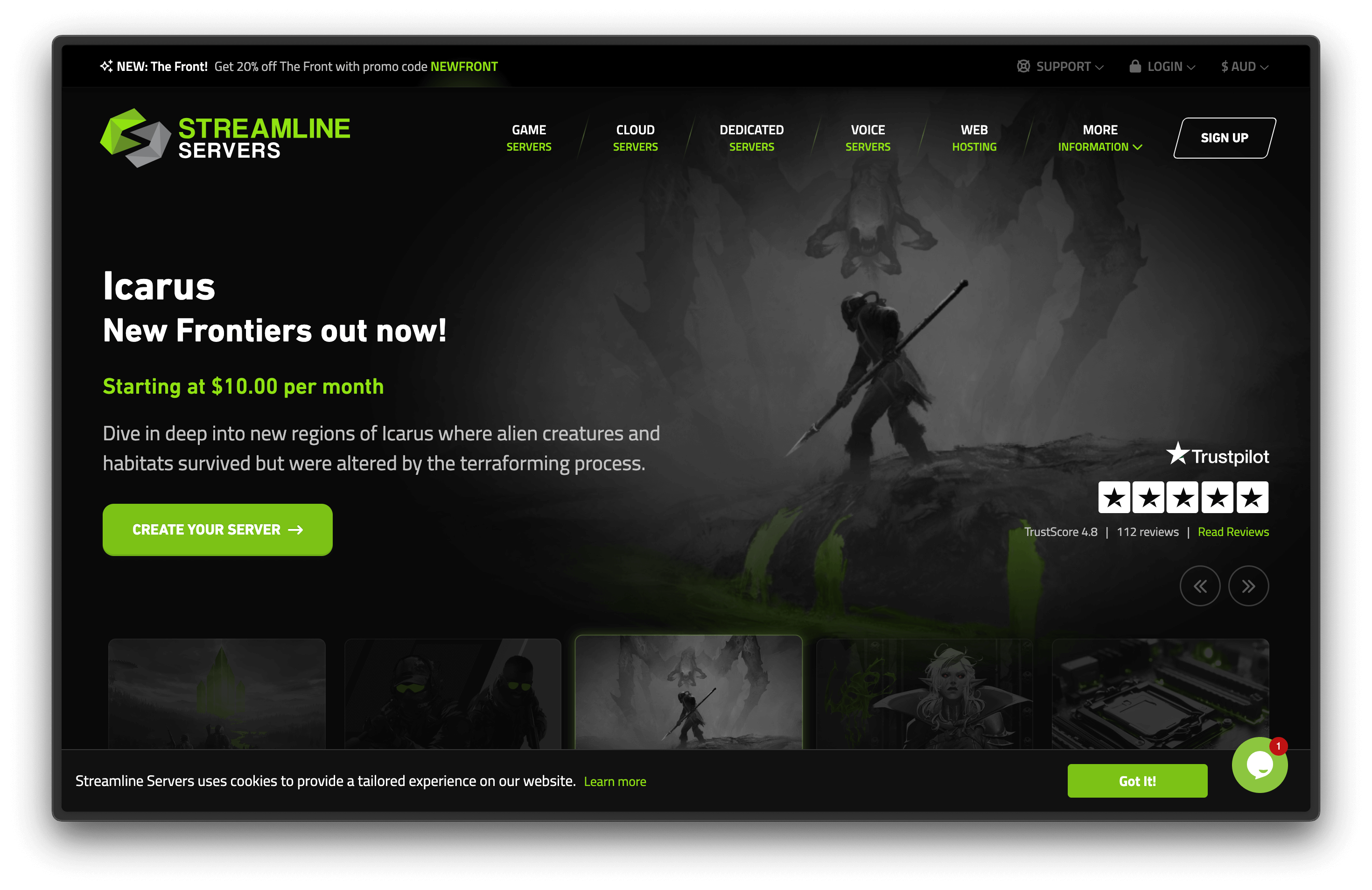
Streamline Servers
Streamline Servers specializes in game server hosting with optimized hardware and networking for gaming.
- Gaming-optimized
- Good performance
- Specialized support
- Higher pricing
- Limited general VPS options
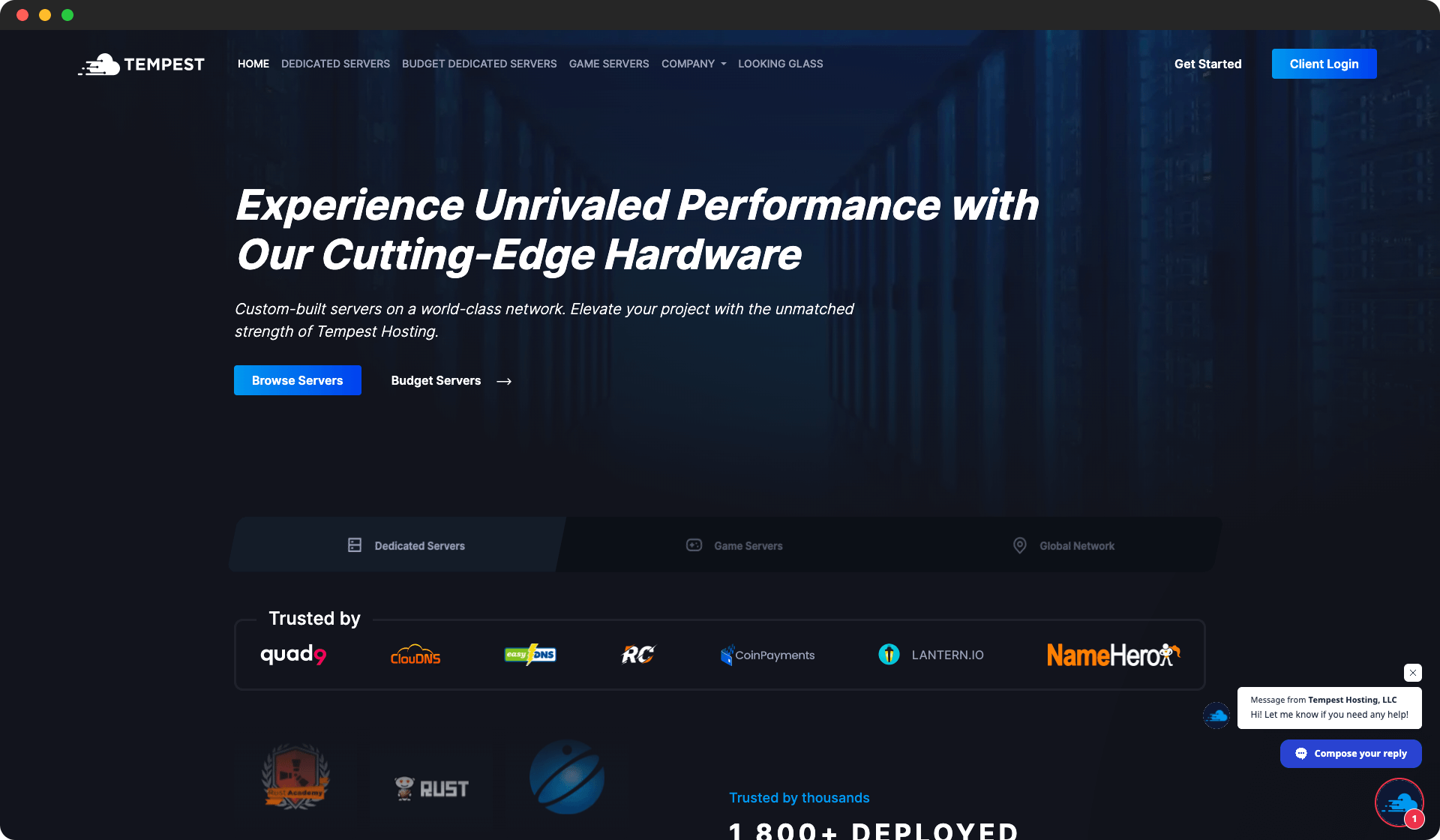
Tempest Hosting
Tempest Hosting provides premium game server hosting with high-end hardware and excellent support.
- Premium hardware
- Excellent support
- Gaming-focused features
- Premium pricing
- Limited budget options
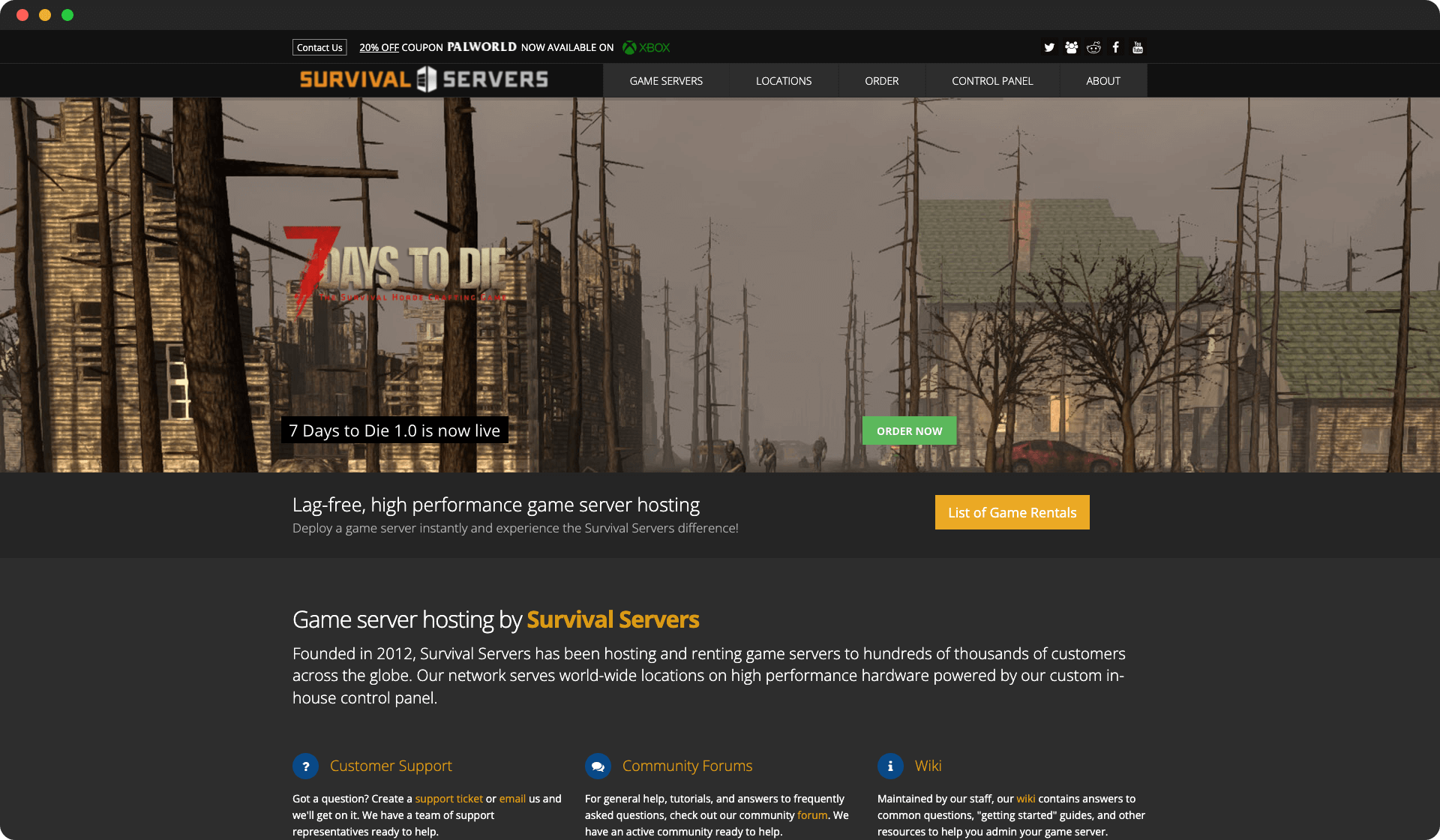
Survival Servers
Survival Servers specializes in survival game hosting with optimized performance.
- Survival game focus
- Good performance
- Mod support
- Limited game variety
- Higher pricing for some games
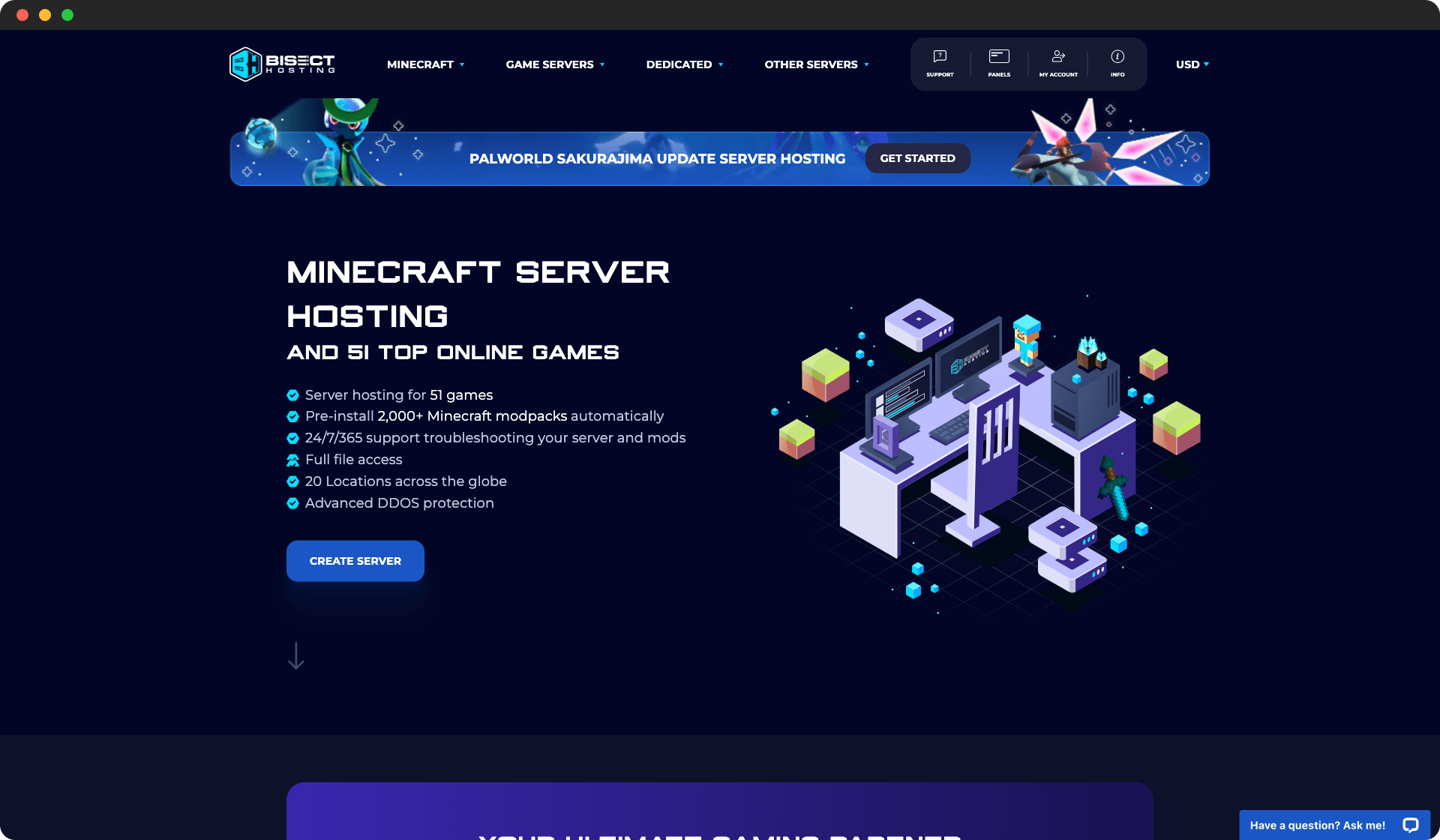
BisectHosting
BisectHosting delivers premium Minecraft hosting with excellent performance and support.
- Excellent performance
- 24/7 expert support
- Modpack support
- Higher pricing
- Mainly Minecraft focused
Nodecraft
Nodecraft is a well-known hosting provider that offers a range of servers for various games. They provide servers with low latency and high uptime, ensuring a smooth gaming experience.
- Low latency and DDoS protection
- Intuitive and user-friendly control panel
- Various add-ons and configuration options
- Experienced hosting provider for various games
- Good server performance
- Customer support can be slow at times
- Limited server locations compared to some other providers
- Pricing can be higher than competitors

Rust Server Requirements
Server requirements in Rust usually scale with active players, world persistence, and plugins/mods. If you plan to grow your community, start with a plan that leaves headroom for RAM and CPU spikes instead of targeting the absolute minimum.
| Component | Minimum (Small Group) | Recommended (Active Community) | Large/Modded Community |
|---|---|---|---|
| CPU | 4 cores @ 3.5GHz | 8 cores @ 4.0GHz | 12+ cores @ 4.4GHz |
| RAM | 8GB DDR4 | 16GB DDR5 | 32GB DDR5 |
| Storage | 40GB SSD | 100GB NVMe SSD | 200GB NVMe SSD |
| Network | 100Mbps | 1Gbps | 1Gbps |
Why CPU matters: Rust servers are sensitive to frame-time spikes under load, and large worlds, active AI, and persistent simulation systems make high single-core performance critical. Higher clock speed and modern architecture make a bigger impact than raw core count alone.
Why RAM and storage matter: long-running saves, automation/mod frameworks, and higher slot counts can consume memory very quickly. NVMe storage also reduces save, restart, and backup bottlenecks when your world gets heavier over time.
How to Choose a Rust Server Host
1. Performance Under Real Load
Check whether the provider shares real hardware details and allows fast plan upgrades. Synthetic benchmarks are useful, but your actual experience comes from how the host behaves during peak player activity, save events, and automated restarts.
2. Mod, Plugin, and Save-File Workflow
Even if your first setup is vanilla, most communities eventually add mods or custom configs. Prioritize hosts with simple file management, one-click installers where available, and clear rollback options so you can recover quickly from bad updates.
3. Location, Latency, and Network Stability
Pick a region close to your core player base before comparing minor feature differences. A lower-latency location usually improves gameplay quality more than an extra dashboard feature, especially in fast or sync-sensitive multiplayer sessions.
4. Backups, Support, and Scaling
Look for automated backups, predictable restore flow, and responsive support with game-specific context. As your server grows, you want painless scaling without forced migrations, long downtime windows, or manual transfer risk.
How to Set Up a Rust Dedicated Server
Most providers can get a new Rust server online within minutes. This is the fastest setup path for most teams:
- Choose a provider, region, and plan with enough RAM for your expected player count.
- Deploy the server and set your base config: name, password, slots, and core rules.
- Add mods/plugins if needed, then restart once so dependencies load cleanly.
- Configure scheduled backups and optional restart windows before launch day.
- Run a short test with 2-5 players to validate ping, performance, and permissions.
- Share connection details with your community and monitor resource usage during the first week.
Conclusion
The best Rust server hosting choice is the one that stays stable when your community is active, not just the one with the lowest starter price. Game Host Bros is often a strong default for ease of use, GameserverKings is a solid alternative for value-conscious communities, and GMC Hosting is worth considering if you want additional provider diversity.
For deeper comparisons, use our guides on game server hosting, best dedicated game servers, and Project Zomboid server hosting.